
AI training
A lot of people were handed AI and left to figure it out alone.
I train executives, managers and teams to use it on the work they do every week, so it starts paying off right away.

How I approach training
A class on how to use AI in general is too broad to help much, the same way a class on how to use email would be. You can teach someone the subject line and attachments, but what they write depends on what they're trying to get done. So I teach the few things everyone needs, then go straight to the tasks people want help with.
- Built around your workNot a general AI class
- Taught by a builderWorks with AI every day
- Fortune 20 experienceHas done the job you do
- One-on-one or groupsOne session or a series
The fundamentals
-
Agentic AI
Hand It Off
All the clicking, copying and chasing that fills a day can go to AI that works in your browser, email and files, set up so your data stays safe.
-
Prompting and context engineering
Say It Once
Tired of explaining yourself to AI every time? Give it your documents, goals and way of working once, and get answers that already know them.
-
Getting quality
Sure of the Answer
Feel confident about what you pass along. Learn to spot answers AI makes up and states as fact, and where a person should check.
-
Getting a return
Money Well Spent
Know where AI pays off, what it costs to run, and how to show it's working, so the next budget conversation is an easy one.
-
Making AI easier to work with
Less Annoying AI
It forgets you between chats, flatters you and pads every answer. Set it up so it stops, and working with it stops feeling like a chore.
Workshops on specific tasks
Working sessions on one piece of work. By the end, it is set up and running.
-

Project management and fewer meetings
AI meeting notes, action items and status updates written for you. An agent tracks open tasks and flags what slipped, so meetings are for decisions.
-

Product management
Use AI to sort customer input into themes, draft PRDs and user stories, and build a clickable prototype in an afternoon to test an idea.
-

Writing performance reviews
AI pulls a year of notes, wins and peer feedback into a fair, specific first draft, so your time goes into the conversation.
-

Preparing for your own review
Have AI search your email, documents and calendar for what you delivered this year and turn it into a clear self-assessment.
-

Inbox and follow-ups
AI email triage sorts by priority, summarizes long threads and drafts replies for you to approve.
-

Executive updates and memos
Turn scattered notes, chats and metrics into a weekly update or board memo. AI writes the draft in your voice, and you edit and send.
-

Research briefs
AI deep research reads hundreds of sources, cites them, and builds a competitor, market or customer brief in an hour instead of a week.
-

Hiring
AI drafts the job description, compares resumes to the role, builds interview questions and summarizes candidate notes. People make the call.
-

Customer feedback
AI reads every survey answer, review and support ticket, groups them into themes, and shows what is behind the complaints.
-

Team AI rules
Write an AI use policy your team will follow: what is allowed, which data stays out, and who reviews AI work before it goes out.
-

Automating one repeat task
Build an AI agent or workflow for one task your team repeats every week, from reports to data entry, with a person checking the output.
-

AI fears and risks
Talk through job worries, accuracy, privacy and security. Sort out which AI risks matter and agree on guardrails.
-

Your question, topic or goal
Bring what your group is working on. The session is built around your tools, your data and your goal.
For executives, managers and teams
Executives
One-on-one and confidential
AI is a hard subject to fake your way through. Ask anything, as many times as you need, with someone who has done your job.
- What agentic AI can do in your business today
- Where AI pays off, and what it costs
- How much to trust its output, and who is accountable when it's wrong
- The risks across your company
- Using AI yourself
- Judging a vendor, a pitch or a person, publicly or privately
Structured sessions, a one-off conversation or a regular check-in.
Managers
Workshops
Managing people and projects with AI.
- Project management and fewer meetings
- Writing performance reviews
- Checking your team's AI work
- Talking with your team about AI fears
Teams
Workshops and talks, any size
Built around the tasks your team handles every day.
- Prompting and context
- Making AI less annoying
- Getting quality
- Agentic AI
- Preparing for your own performance review
- What AI means for your job
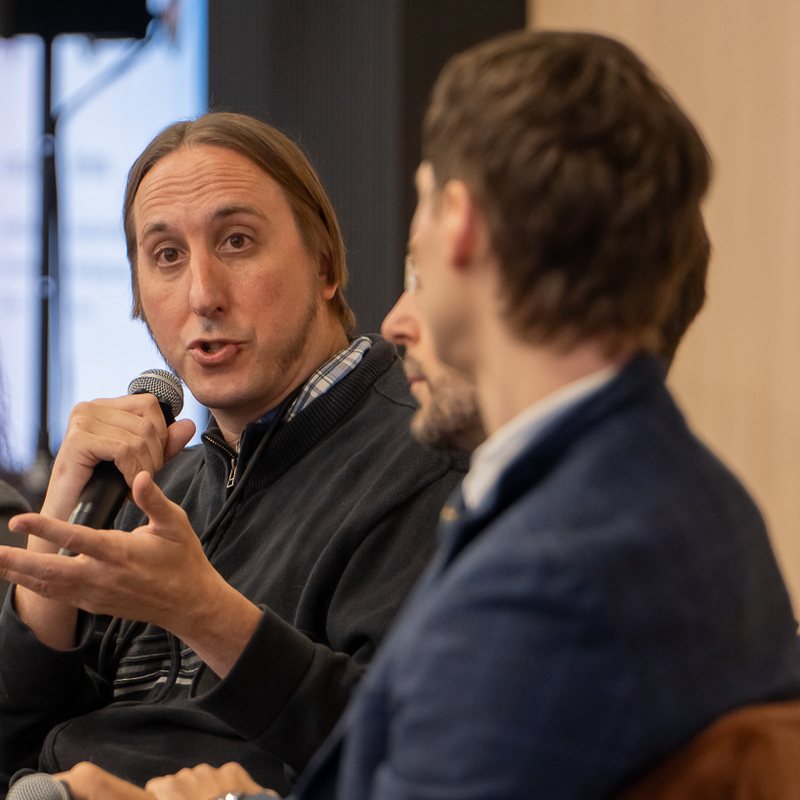
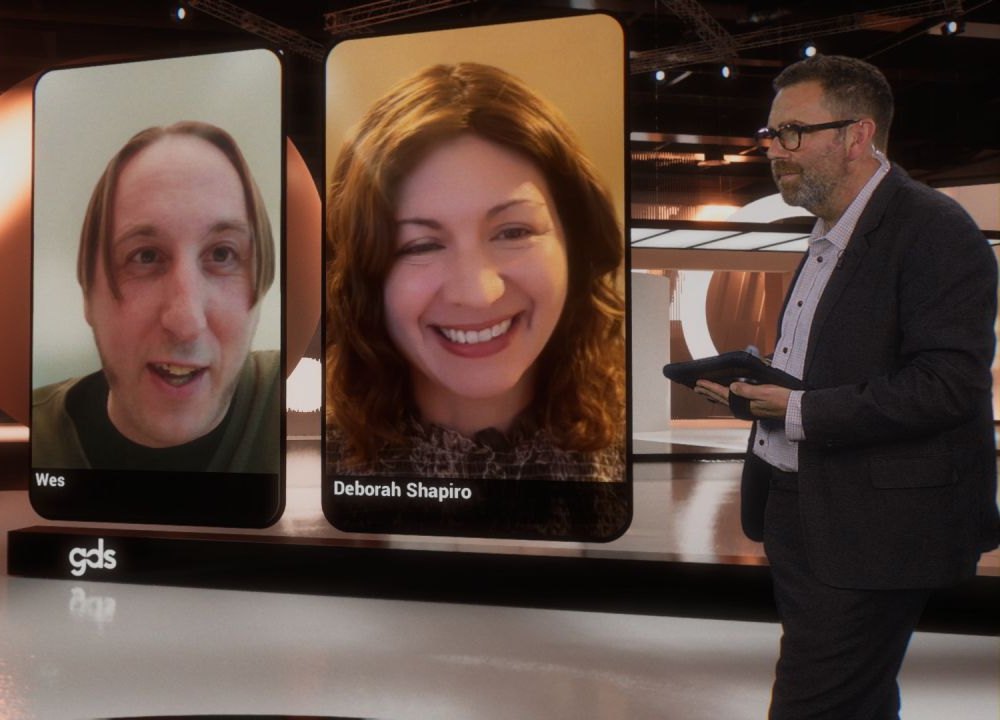
At company events, conferences and classes.
Recent talks
Why work with me
I teach AI from my own daily use of it. I build with it every day, so every session comes from work I've actually done, not a demo.
I was most recently an AVP at a Fortune 20 company. I know the jobs your people do, from the executive suite to the front line, and the pressure each one is under.
I've taught and presented to groups large and small my whole career, from my own team to the stage at Verizon events. And I talk about AI almost every day with founders, professors, students and professionals of every kind, so I can meet any group where it is.